Edit tools
How to Remove Glare from Perfume Bottle Product Photos with AI
TL;DR
A perfume bottle retouching workflow for reducing glare while preserving glass shape, liquid color, cap finish, label readability, and premium reflections. Includes how to do it in KrafLayer.
TL;DR
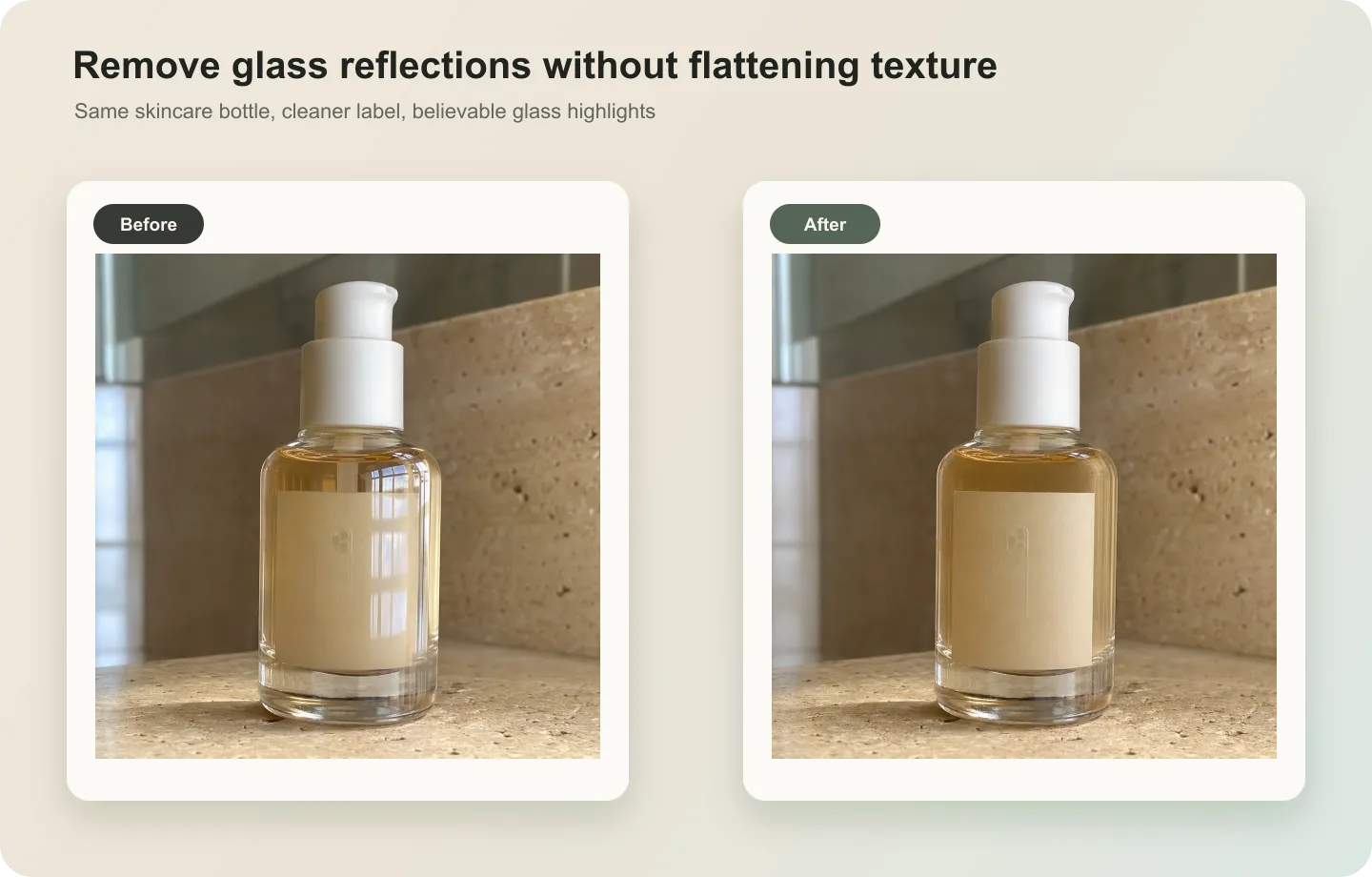
For Remove Glare from Perfume Bottle Product Photos, KrafLayer works best as a local cleanup tool: brush only the unwanted area in Erase and let the model fill from the surrounding pixels. Avoid regenerating the whole image; the result is only useful if the bottle shape, label, shade, texture, and packaging proportions stay believable.
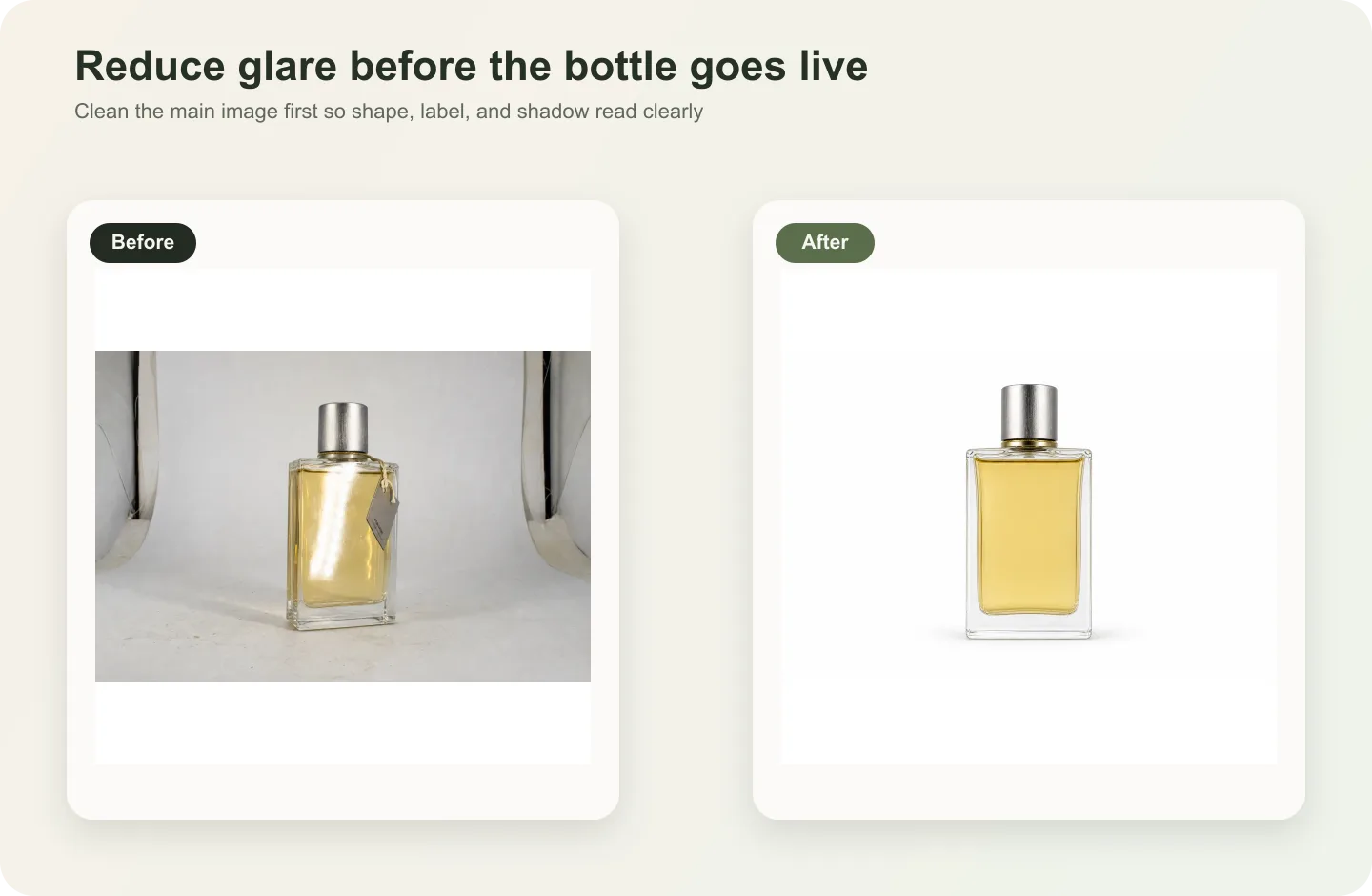
Perfume bottles need reflection to look premium. The problem is uncontrolled glare: bright patches that hide the label, flatten the glass, or make the bottle shape hard to read.

What to keep
Keep glass edges, liquid color, cap material, spray hardware, label area, bottle shoulders, and soft highlights. Removing every reflection makes perfume packaging look flat or plastic.
Workflow
1. Identify glare that blocks label or bottle shape. 2. Reduce only the harsh glare, not all shine. 3. Preserve cap, sprayer, label, glass thickness, and liquid tone. 4. Rebuild softer highlights following bottle curvature. 5. Check the final image against the original packaging.
Where KrafLayer Fits
When you apply this Remove Glare from Perfume Bottle Product Photos workflow in KrafLayer, the tool choice matters: brush only the unwanted area in Erase and let the model fill from the surrounding pixels. After generation, judge the image by the channel it serves — listing images, detail pages, or ad assets — and check that the bottle shape, label, shade, texture, and packaging proportions stay believable.
Steps in KrafLayer
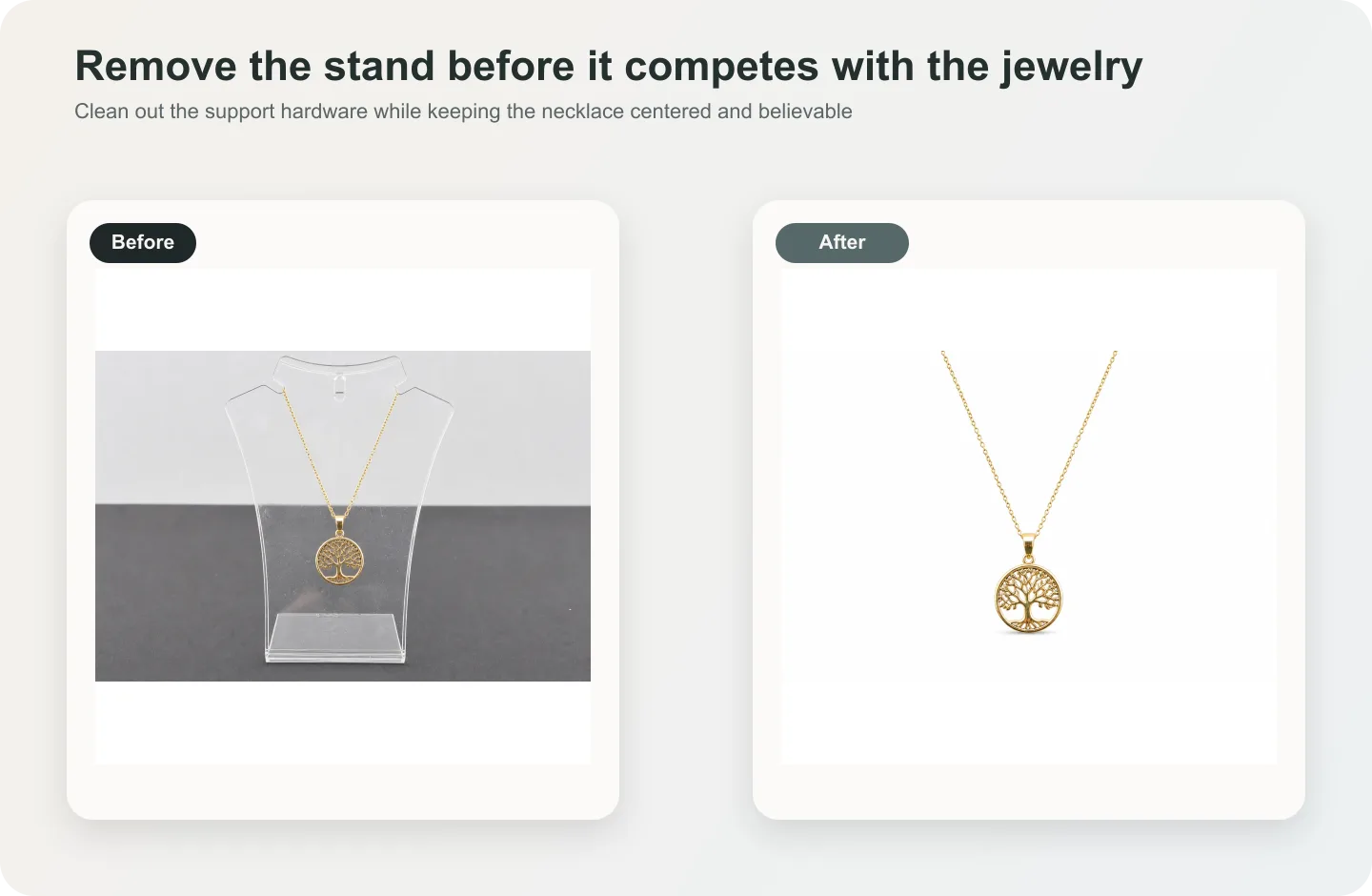
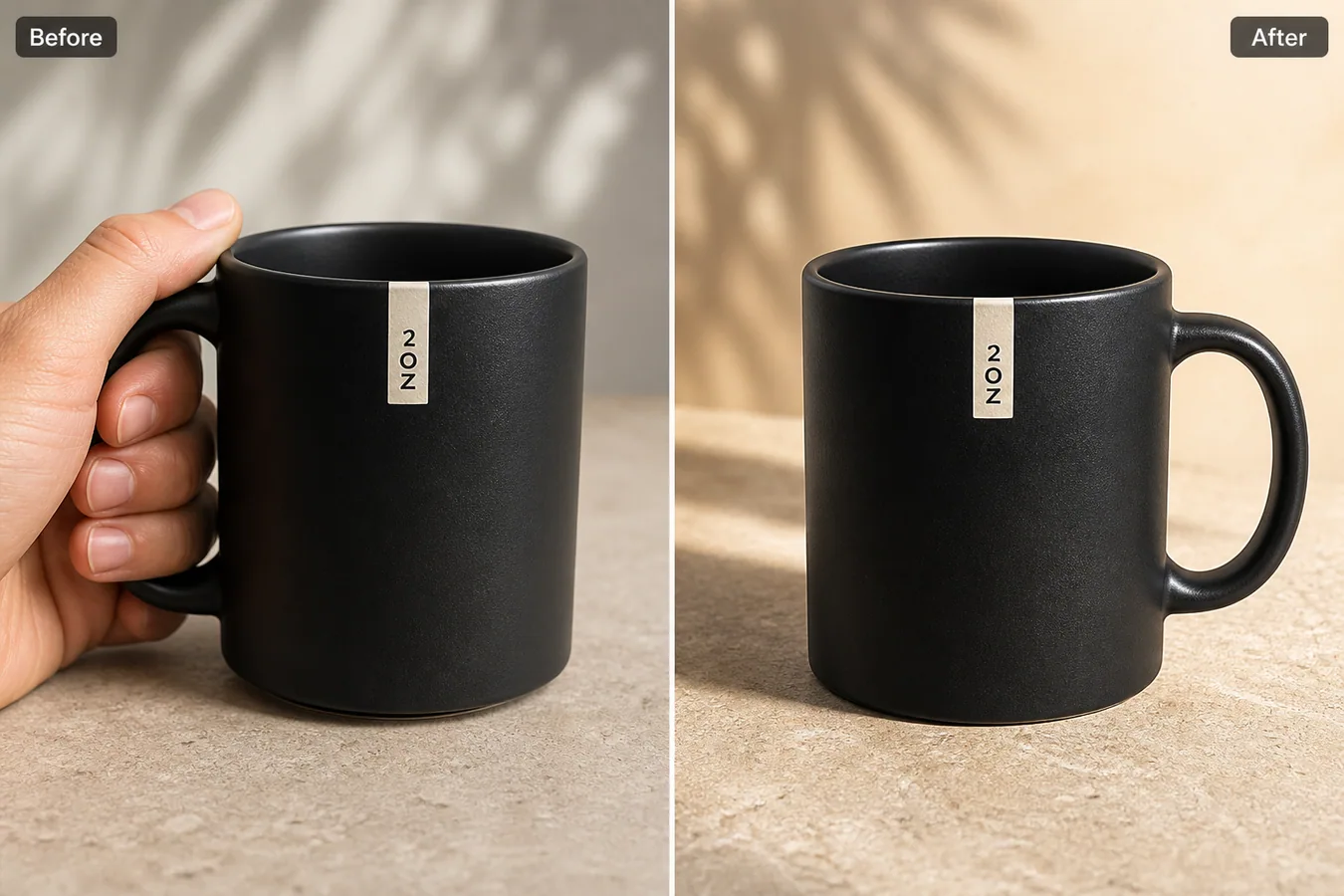
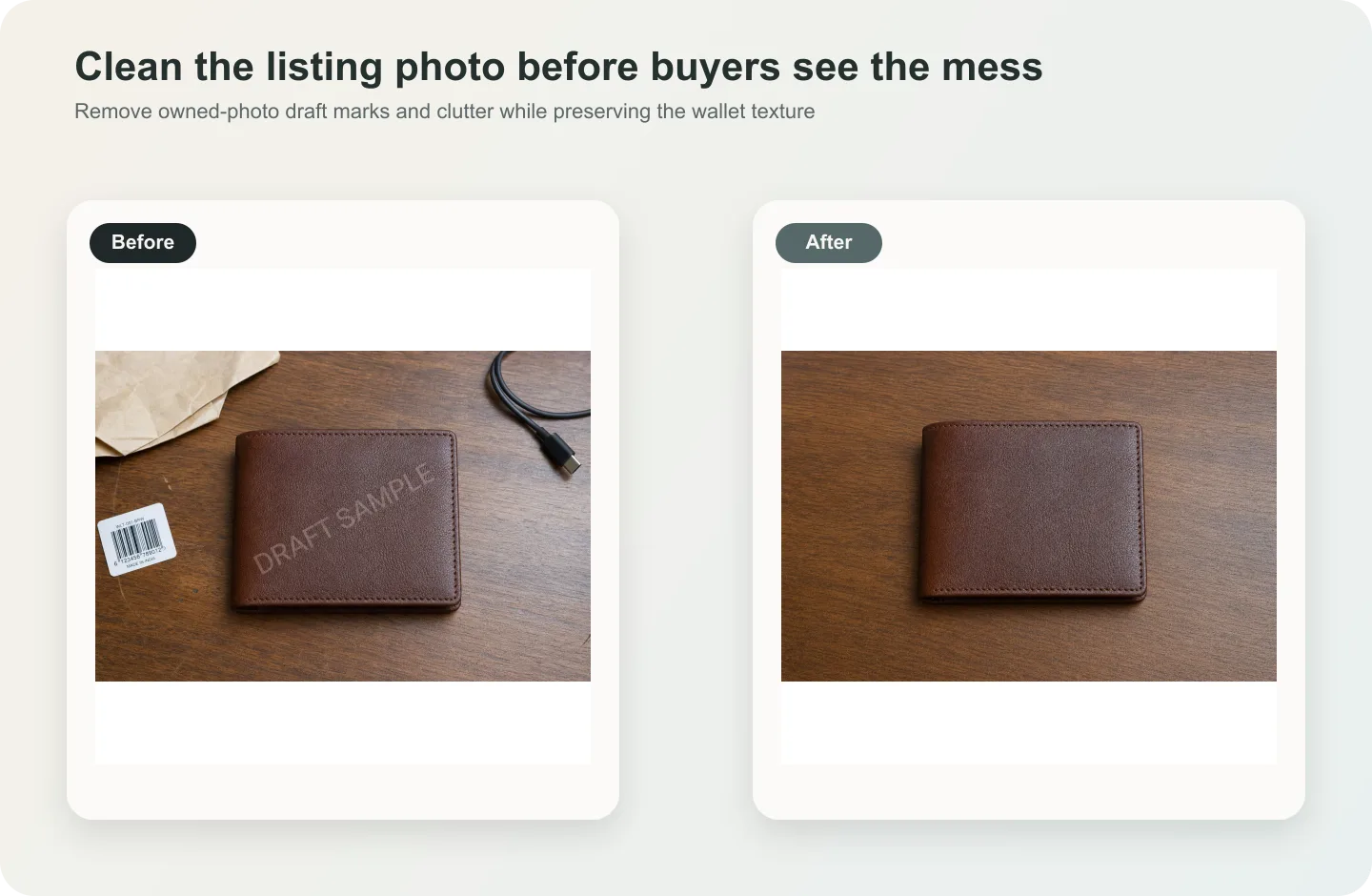
Use Erase with a brush mask: paint only the distracting object, sticker, hand, dust, or reflection area, then run the fill. There is no free-form prompt; mask accuracy controls the result.
1. Upload or choose the product image. 2. Run the tool according to its interaction model: one-click tools generate directly; Erase-style tools need a brush mask first. 3. Zoom in to check edges, text, material, shadow, and product scale before downloading or continuing the edit.
FAQ
Should perfume bottle photos have reflections?
Yes. Reflections help show glass, liquid, and shape. Remove only glare that blocks product information.
Can AI restore hidden label text?
Only if enough text remains visible. For exact labels, use real packaging artwork or another clean reference.
Why does the bottle look cheap after glare removal?
The edit may have removed too much highlight. Ask for controlled premium reflections, not a reflection-free bottle.
Related articles
Edit tools · 6 min read
Product Photo Background Replacement for Ecommerce Scenes and Ads
Learn how to replace product photo backgrounds for ecommerce scenes and ads while preserving scale, material, light, and product truth.
Edit tools · 5 min read
Replace Product Backgrounds With AI Without Making Products Look Fake
Learn how to replace a product background with AI while keeping lighting, scale, shadow, and product details believable.
Edit tools · 5 min read
Transparent Product Image PNG: When Ecommerce Sellers Need Cutouts
Learn when ecommerce sellers need transparent product PNG cutouts, how to create them with AI background removal, and what to check before reuse.
Edit tools · 5 min read
How to Remove Backgrounds From Product Images Without Manual Masking
Remove backgrounds from product images with a one-click AI workflow, then review edges, cutouts, white backgrounds, and channel-ready reuse.
Edit tools · 5 min read
Product Image Background Remover for Listings, Stores, and Ads
Use a product image background remover to create transparent cutouts, white-background listing images, store assets, and ad crops without changing the SKU.
Edit tools · 5 min read
Remove Background From a Product Photo: AI Workflow and Quality Checks
Remove a background from one product photo, then check edge quality, material detail, shadow, and channel readiness before publishing.
Related KrafLayer tools
- AI product image tools — Browse the full tool list for ecommerce image editing and product visual workflows.
- Ecommerce product photography — Plan listing images, lifestyle scenes, detail shots, and store-ready ecommerce product photos.
- Listing main and detail images — Generate ecommerce listing main images and detail-page product visuals from product references.
- On-model product photos — Create product-on-model and lifestyle visuals when human context helps the product sell.
- Marketplace product images — Choose product image workflows for Shopify, Amazon, Etsy, Walmart, WooCommerce, and other selling channels.
- Product category image styles — Browse category-specific product image pages for beauty, jewelry, fashion, furniture, tech, food, and more.
- Product photo editor — Clean, retouch, upscale, restore, outpaint, and repair product photos before publishing.
- Reference-style product images — Generate ecommerce product images from competitor, brand, or campaign reference styles while preserving your own product identity.
- AI background remover — Create clean transparent product cutouts for listings, ads, and layout work.
- AI object eraser — Remove props, text, clutter, or distractions from product images.
- AI image upscaler — Increase product image resolution for listings, ads, and detail-page assets.
- AI image restoration — Refresh damaged, low-quality, or older product photos before reuse.
- AI background replacer — Move a product into a cleaner studio, lifestyle, or campaign background.
- AI mask edit — Edit selected regions while keeping the rest of the product image stable.
- AI reference image editor — Use extra references to guide product identity, material, style, or composition changes.
- AI scene compose — Place products into controlled commercial scenes without losing product clarity.