Platforms
How to Optimize Shopify Product Images with AI
TL;DR
A Shopify product image optimization guide: improve main images, gallery order, detail proof, mobile crops, and ad-ready variants without overpromising conversion gains. Includes how to do it in KrafLayer.
TL;DR
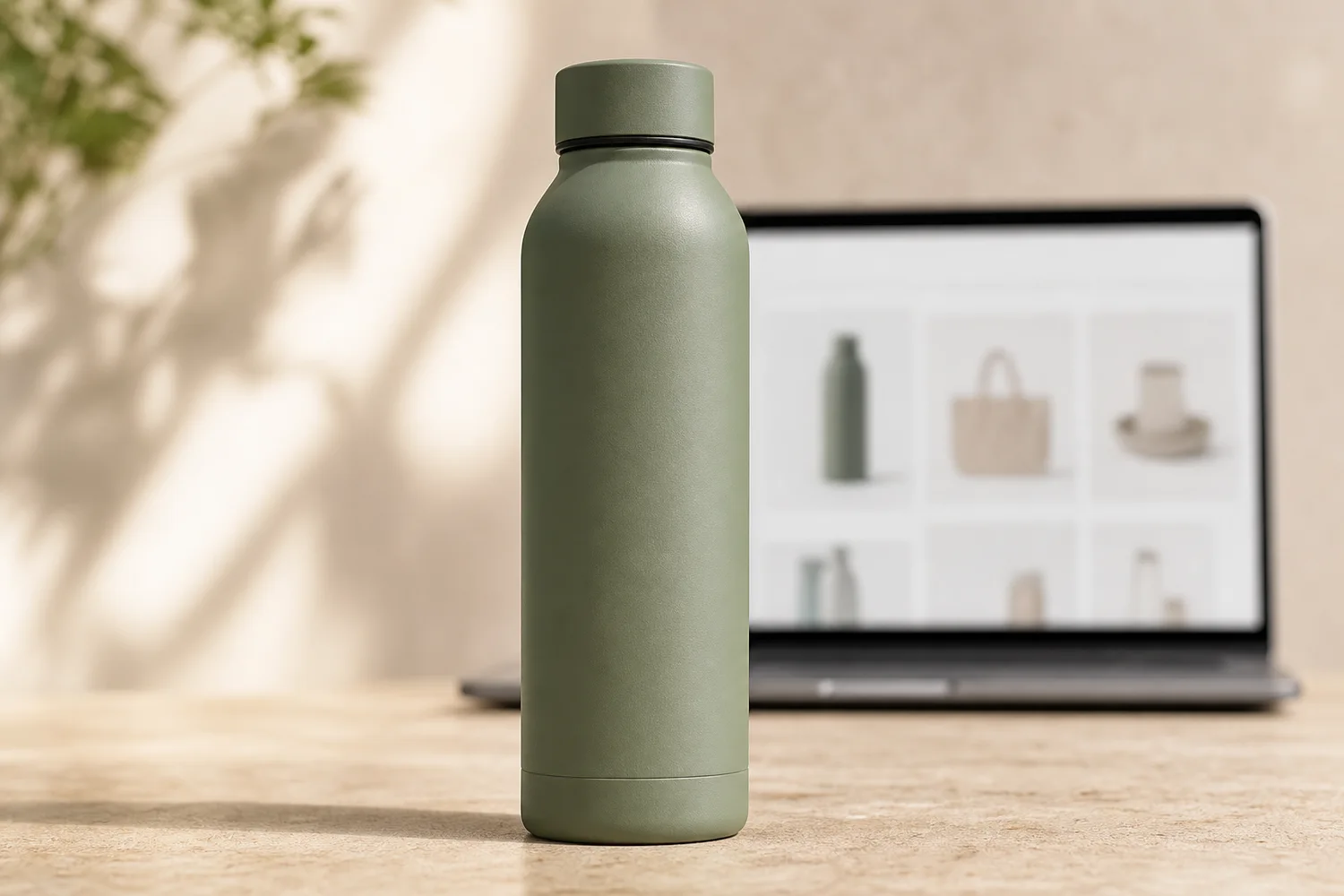
For Optimize Shopify Product Images, KrafLayer is useful when a real product reference needs to become a usable asset for Shopify product pages. Treat it as production editing, not product reinvention; the test is whether shape, material, labels, color, scale, and accessories still match the source SKU.
Shopify product image optimization means making images answer buyer questions faster. It is not a magic conversion switch. Better images can improve clarity and confidence, but they must show the real product accurately.
What to optimize first
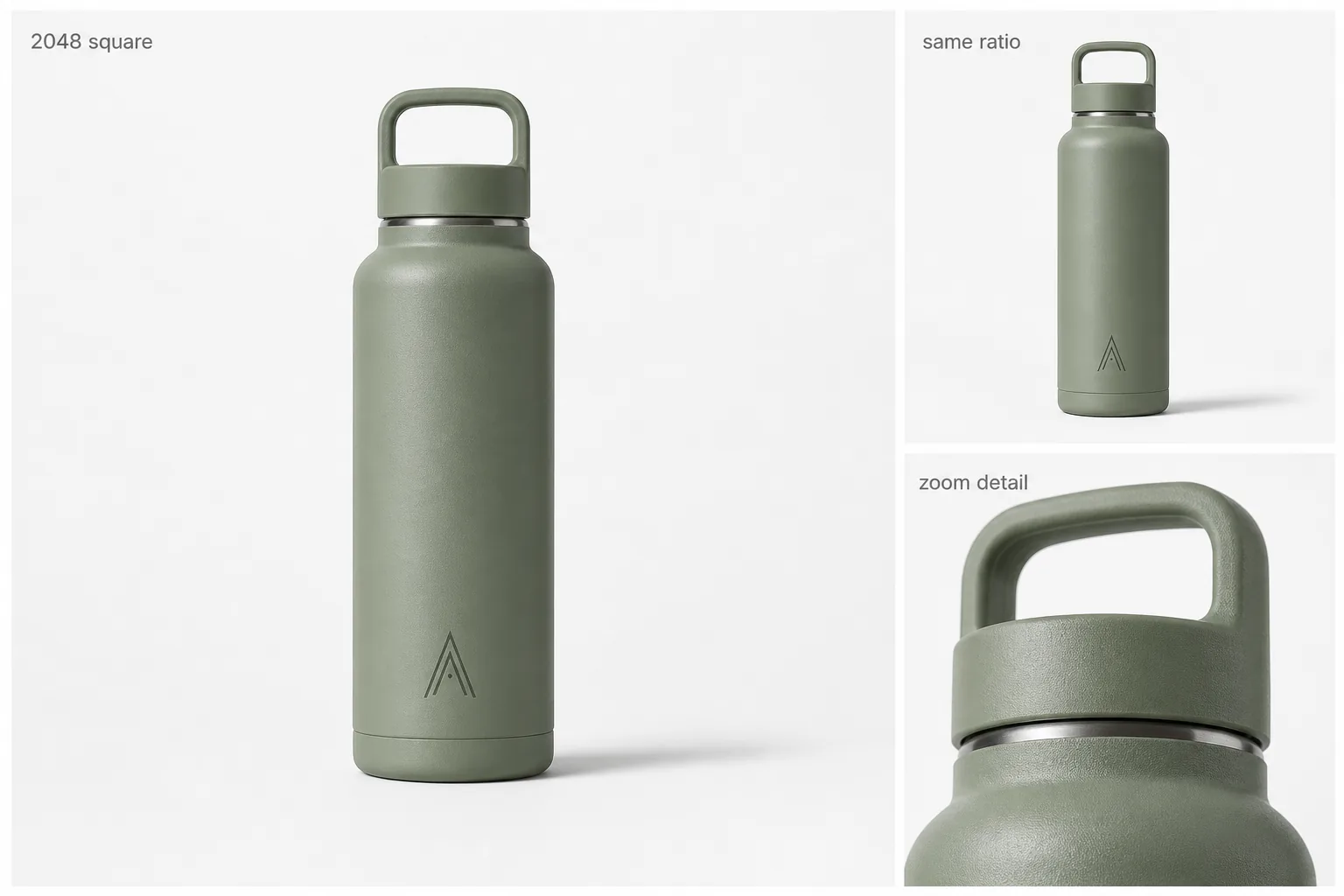
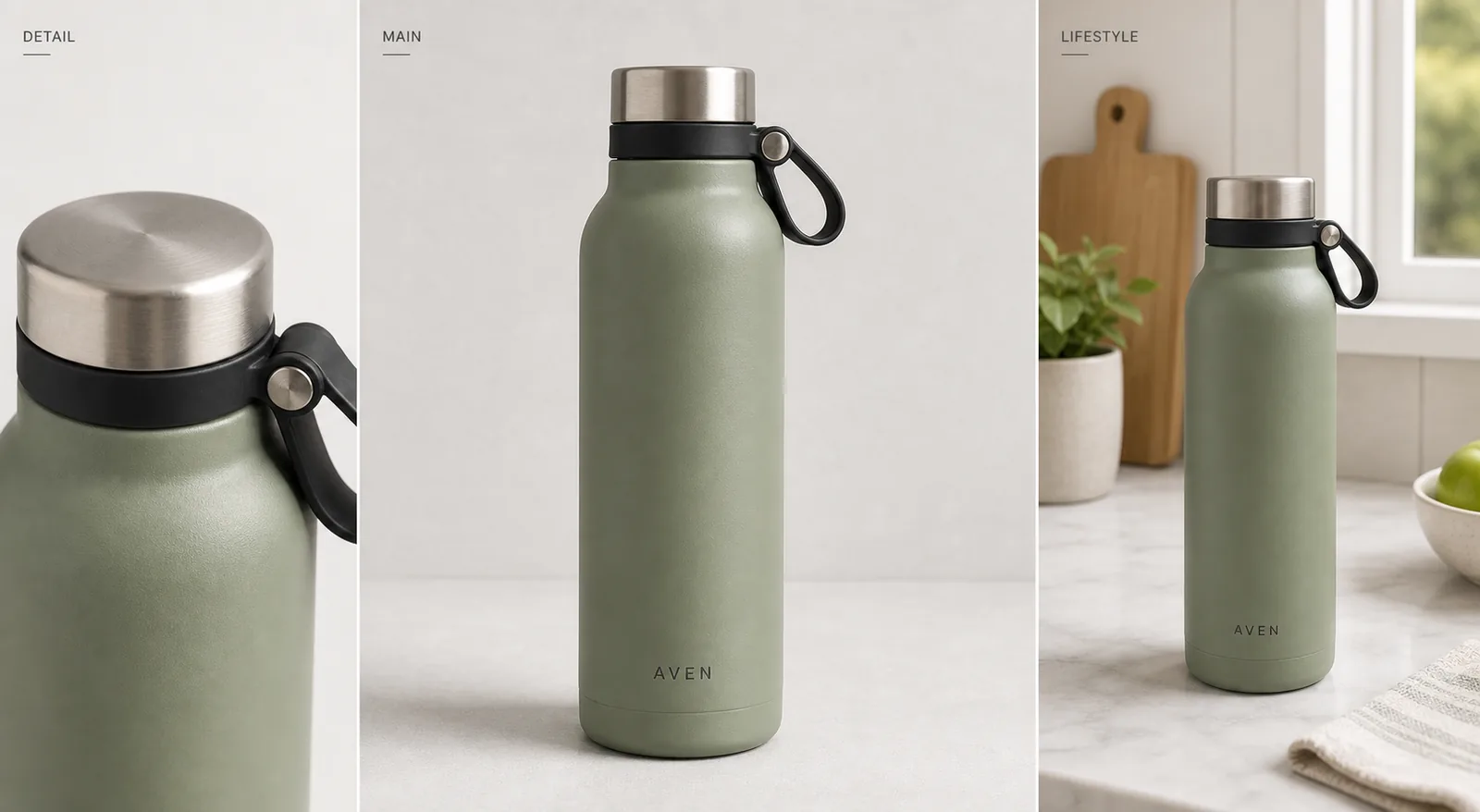
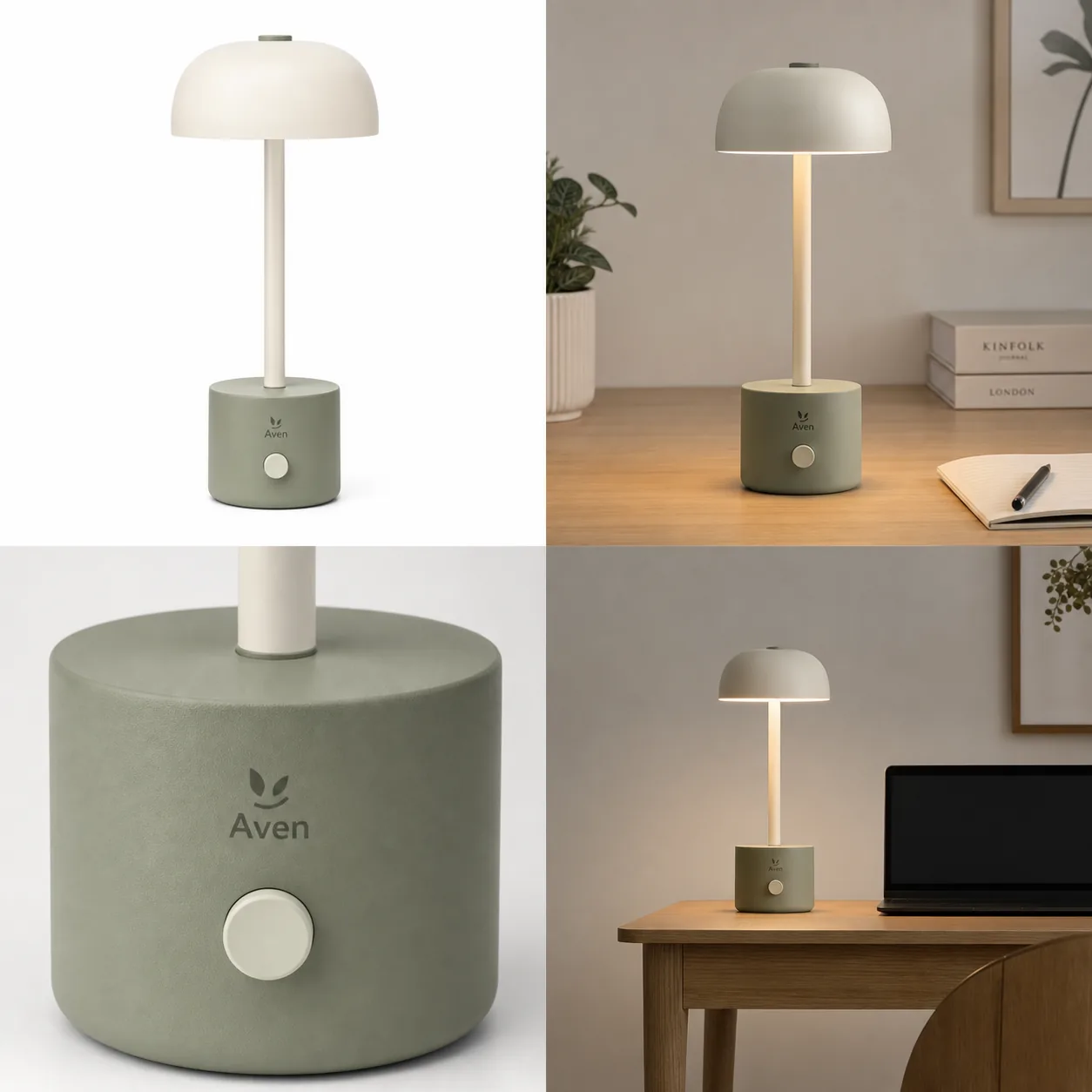
Start with the main image, because it affects collection pages, product pages, and ads. Then improve gallery images that answer material, scale, use, packaging, and variant questions.
For Shopify, mobile matters. Crops that look good on desktop may fail in a small product card.
Workflow
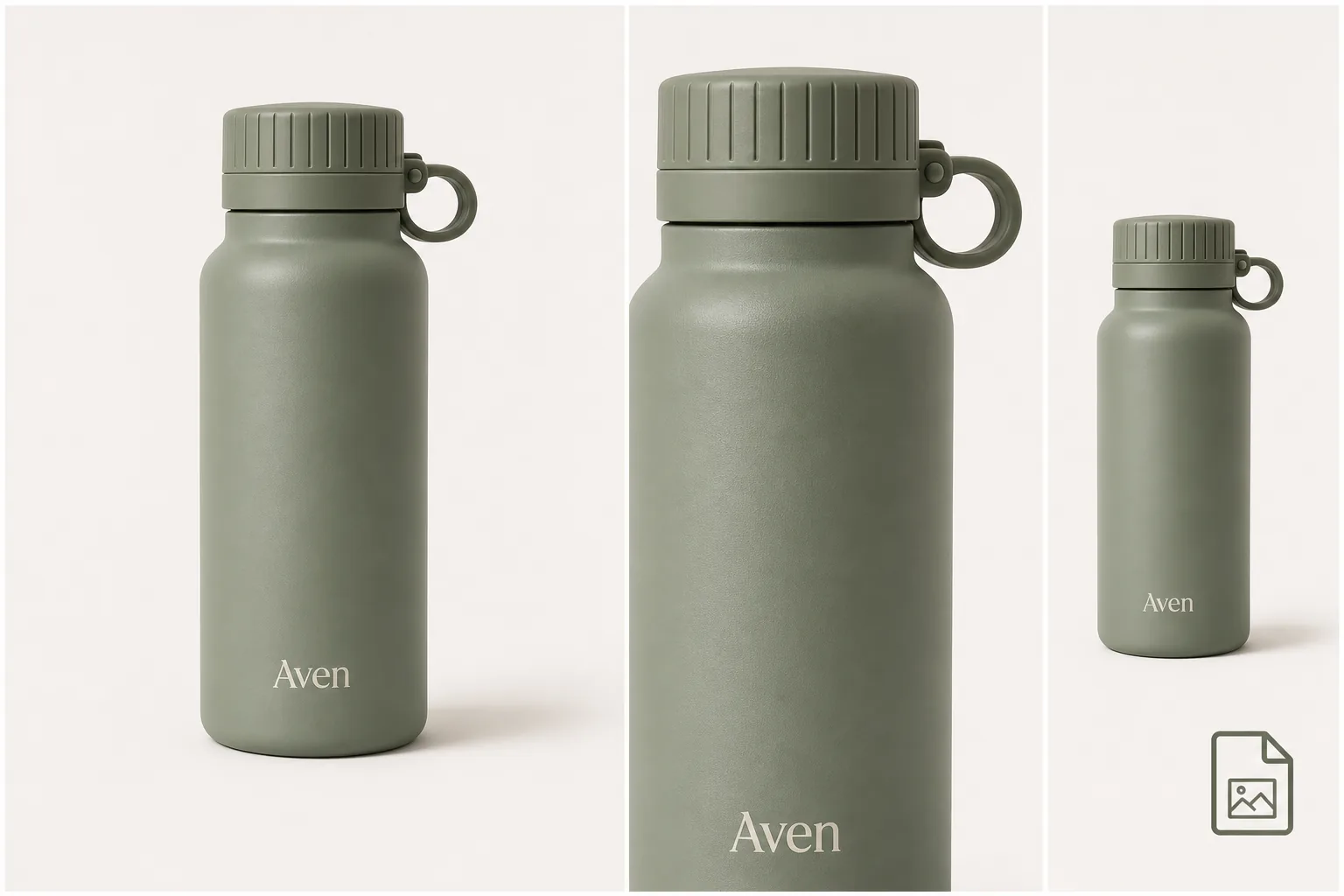
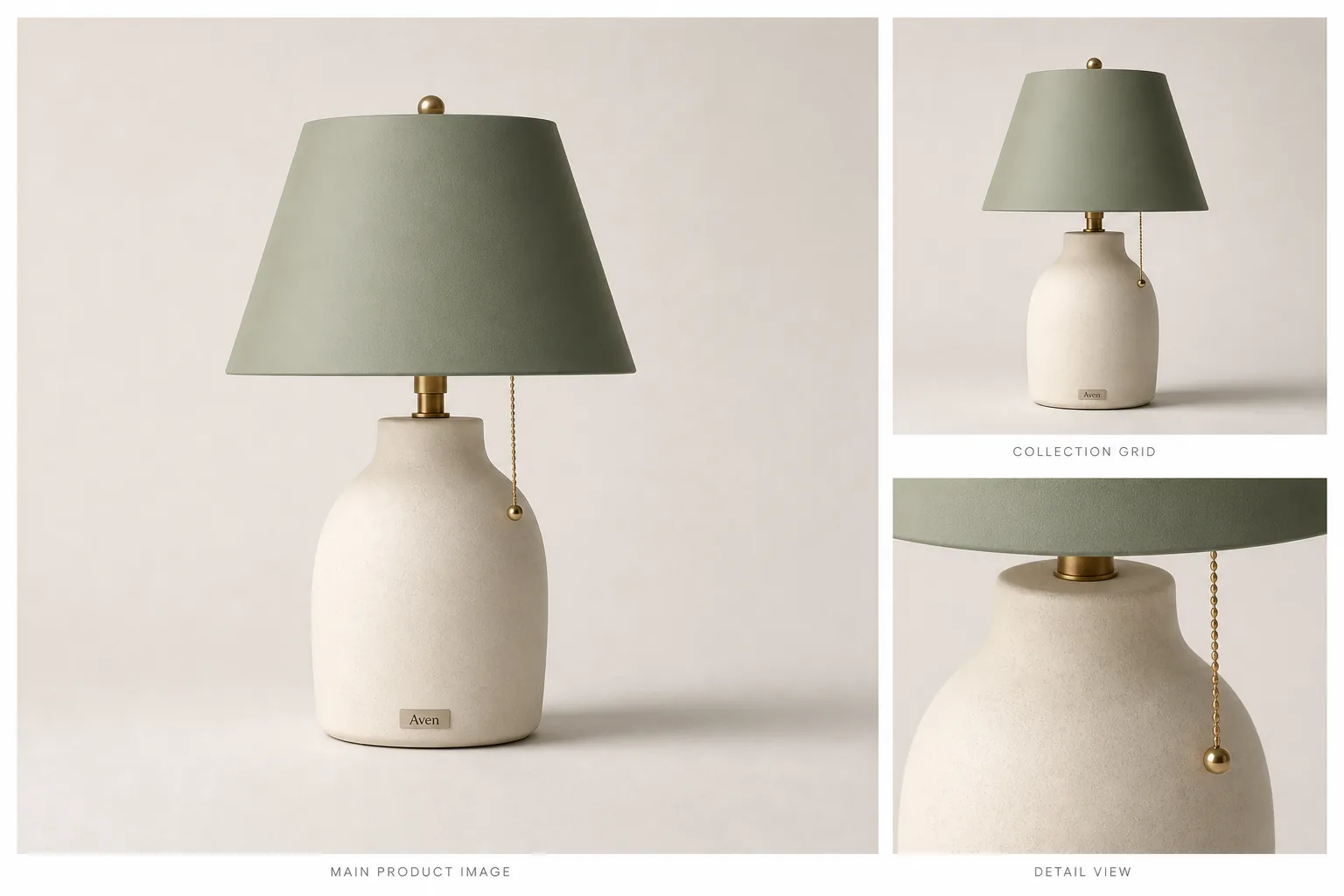
1. Clean the main image: product-first crop, accurate color, readable shape, natural shadow. 2. Add detail images for texture, label, feature, scale, or use context. 3. Keep visual consistency across the gallery. 4. Create separate crops for square product cards, vertical ads, and banners. 5. Avoid AI-generated text for specs or claims.
Where KrafLayer Fits
When you apply this Optimize Shopify Product Images workflow in KrafLayer, start from the clearest product reference, then decide whether the asset needs cleanup, lighting, background work, detail support, or an ad version. Before using it for Shopify product pages, check that shape, material, labels, color, scale, and accessories still match the source SKU.
Prompt to use in KrafLayer
~~~text Use the uploaded product as the exact Shopify product reference. Optimize the image for ecommerce clarity and mobile product-page use. Preserve product shape, material, color, label, logo area, scale, and shadow. Improve background, lighting, crop, and detail readability for [main image/detail image/ad crop]. Do not change the SKU, invent text, add misleading props, or over-style the product. ~~~
FAQ
Will better product images increase Shopify conversion?
They can help by reducing confusion and increasing trust, but conversion also depends on price, offer, traffic quality, reviews, page speed, and product-market fit.
What image should I optimize first?
Start with the main product image because it appears in more places. Then improve gallery images that answer buyer objections.
Should Shopify images include text overlays?
Use text carefully and add it manually. AI-generated text can be inaccurate, hard to edit, and risky for product claims.
Keep exploring
Continue the story
More practical guidance on product accuracy, composition, and conversion-ready visuals.
Put it into practice
Take the next step in KrafLayer
Choose a generation or editing workflow that matches what you just learned.