Edit tools
Transparent Product Image PNG: When Ecommerce Sellers Need Cutouts
TL;DR
Learn when ecommerce sellers need transparent product PNG cutouts, how to create them with AI background removal, and what to check before reuse.
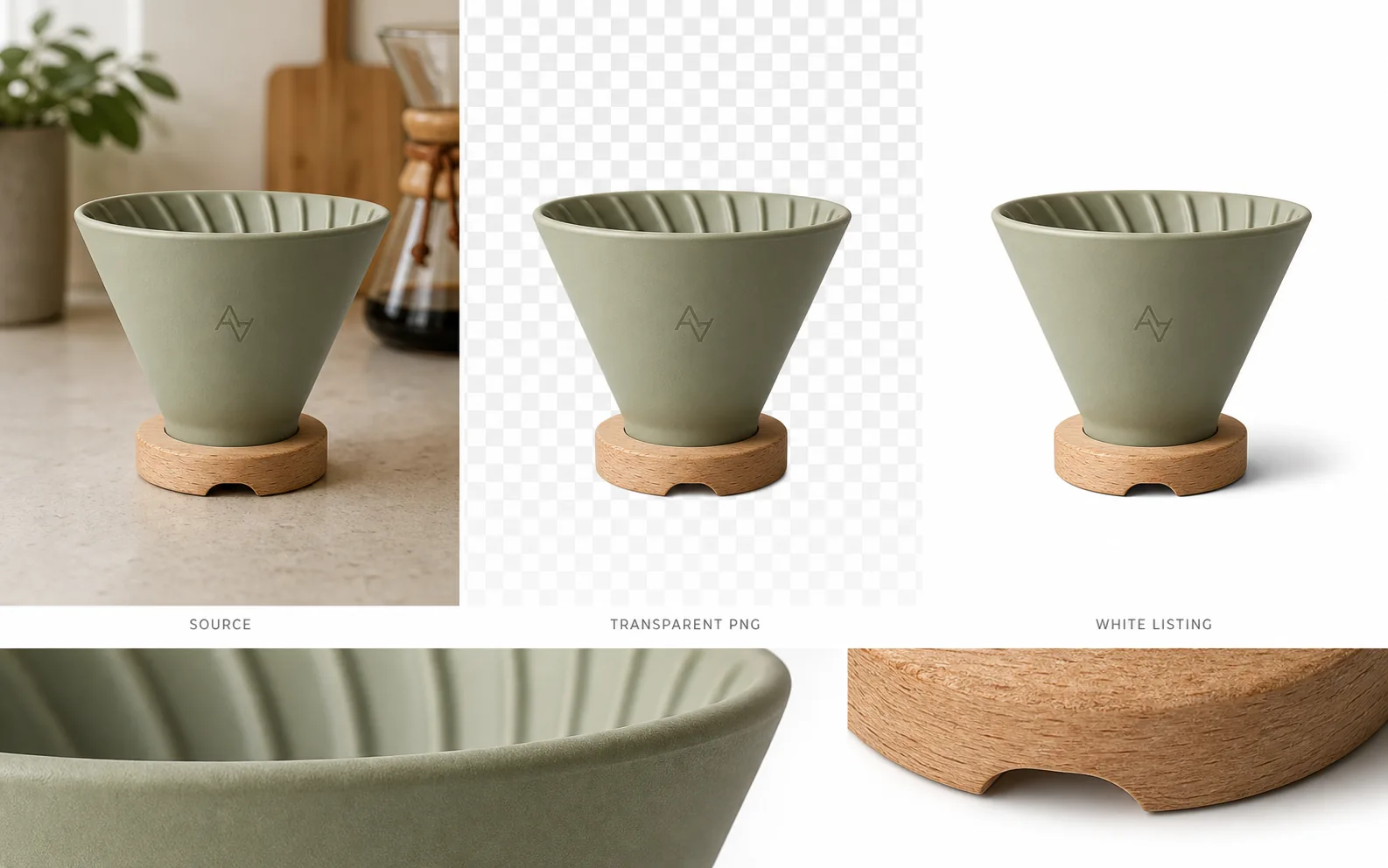
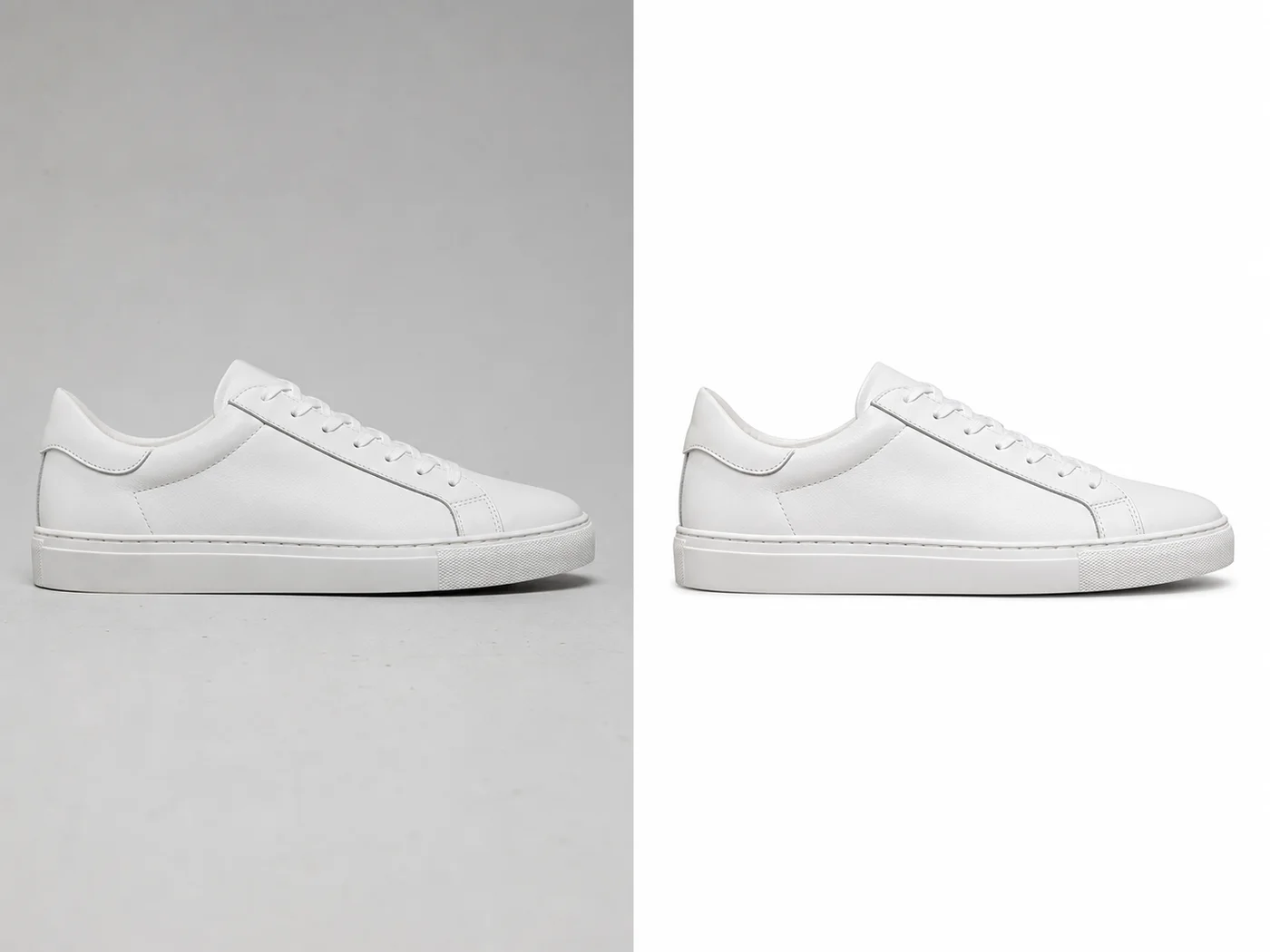
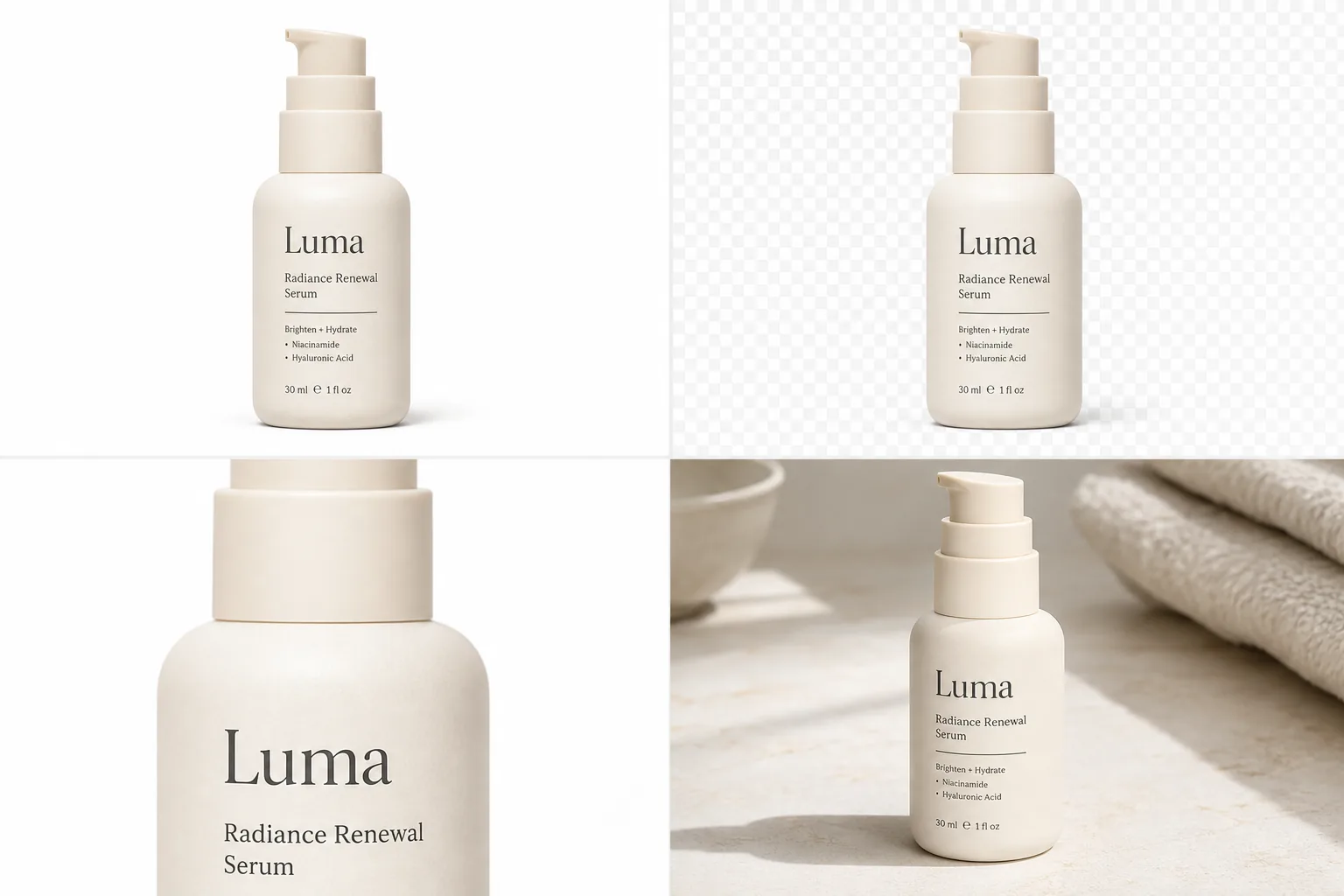
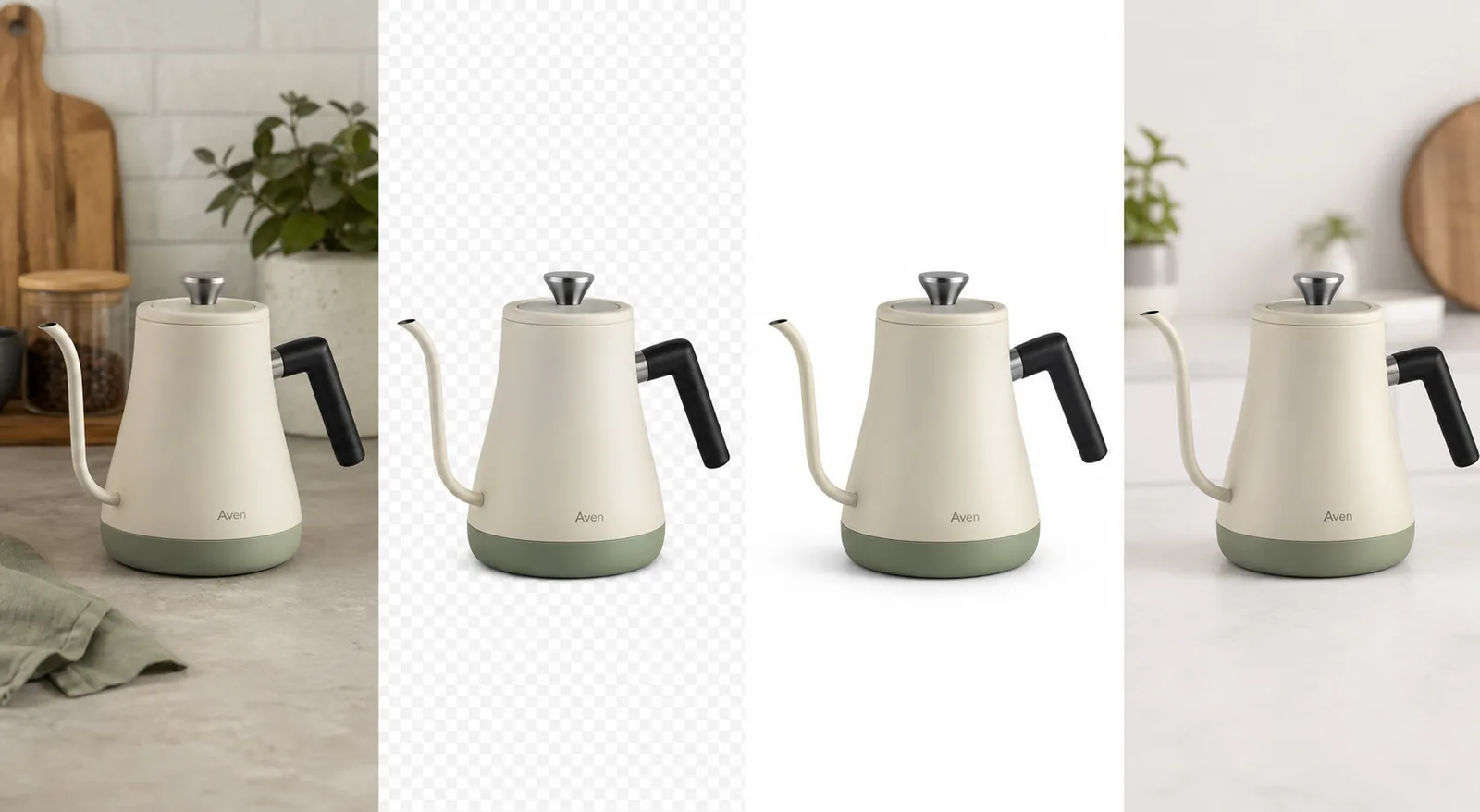
A transparent product image PNG is a reusable ecommerce cutout: the product stays visible, the background becomes transparent, and the file can be placed on white listing backgrounds, Shopify sections, landing pages, ads, and campaign graphics without cutting the product out again.
In KrafLayer, this is a one-click [AI background remover](/tools/ai-background-remover) workflow. Upload a product photo, run Remove BG, and export a transparent PNG with the alpha channel preserved. The important part is not only removing the background; it is checking that the product edge, shadow decision, material, label area, and scale still look publish-ready.
Transparent Product Image PNG: The Practical Rule
Use a transparent product image PNG when you need the same product to appear in more than one layout. A cutout is useful because it separates the product from the background without flattening the file into a single scene.
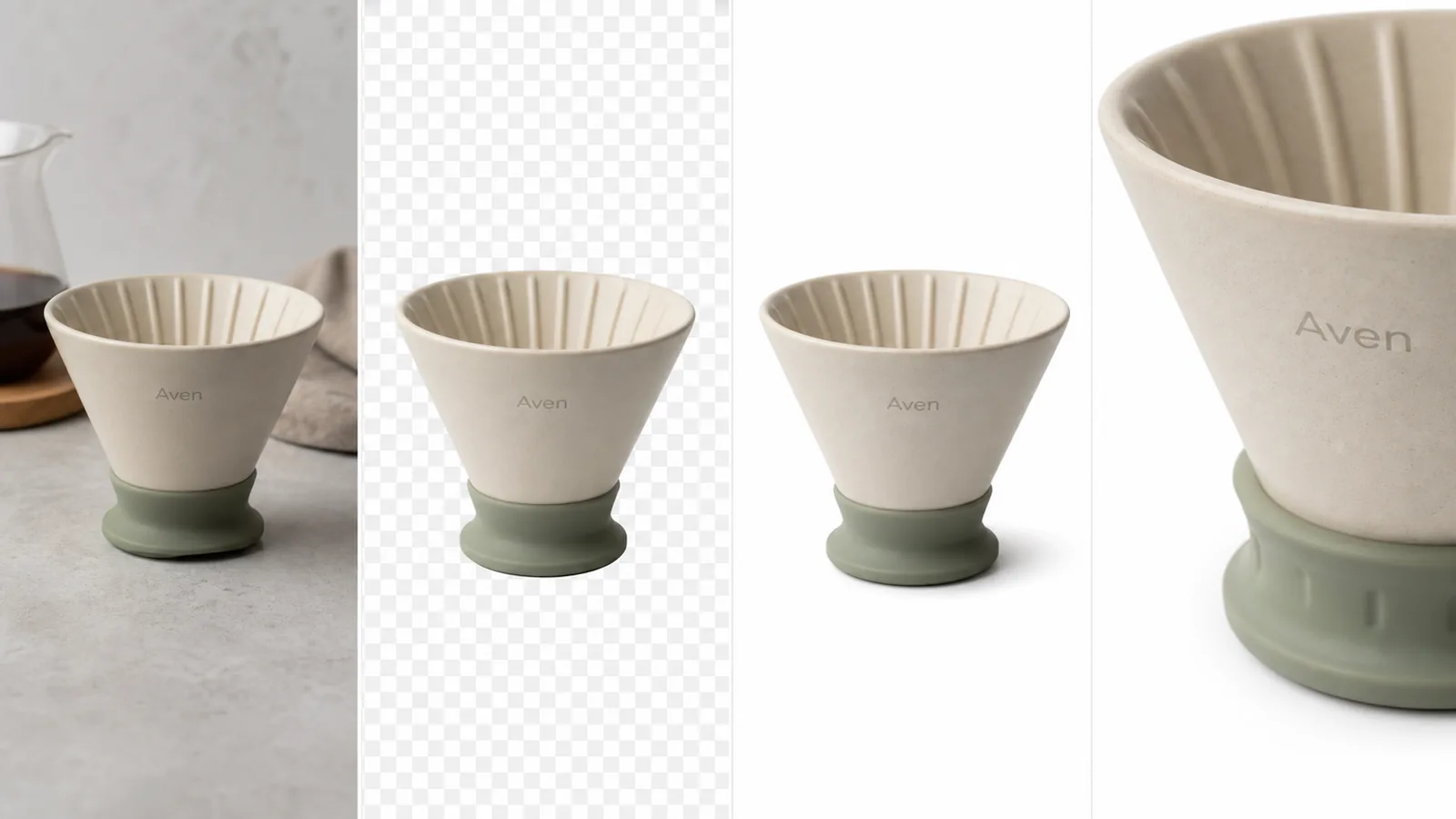
For the Aven ceramic coffee dripper example, the ecommerce product cutout works because the reusable product facts stay visible:
- matte sage ceramic body
- ribbed inner rim
- tapered dripper shape
- small natural wood base
- front monogram position
- product scale and camera angle
- clean bottom edge around the base
- realistic shadow when placed on white
The background can change. Those product facts should not.
When Sellers Actually Need A Transparent PNG Product Image
A transparent PNG product image is most useful when the image must move across formats.
Use it for:
- white-background listing images
- Shopify product page sections
- marketplace draft images
- email campaign graphics
- landing page hero compositions
- paid social ad layouts
- product comparison blocks
- seasonal sale creative
The cutout becomes a master asset. Instead of removing the background separately for every channel, approve one clean product cutout and reuse it.
How KrafLayer Creates The Cutout
KrafLayer Remove BG is a one-click automated background-removal tool. It does not need a prompt, and it does not require manual masking for the basic cutout job.
The workflow is simple:
- Upload the product photo.
- Open Remove BG in KrafLayer.
- Run the automated background removal.
- Review the transparent PNG edge.
- Export the cutout or continue editing in the [product photo editor](/product-photo-editor).
- Place the same cutout on white, a store section, or an ad layout.
That differs from a background replacement workflow. Remove BG creates the transparent asset. Replacement creates a new scene around the product.
What To Check Before Reusing The Cutout
Do not approve a product cutout just because the old background disappeared. Inspect the areas where ecommerce images usually fail.
Product Edge
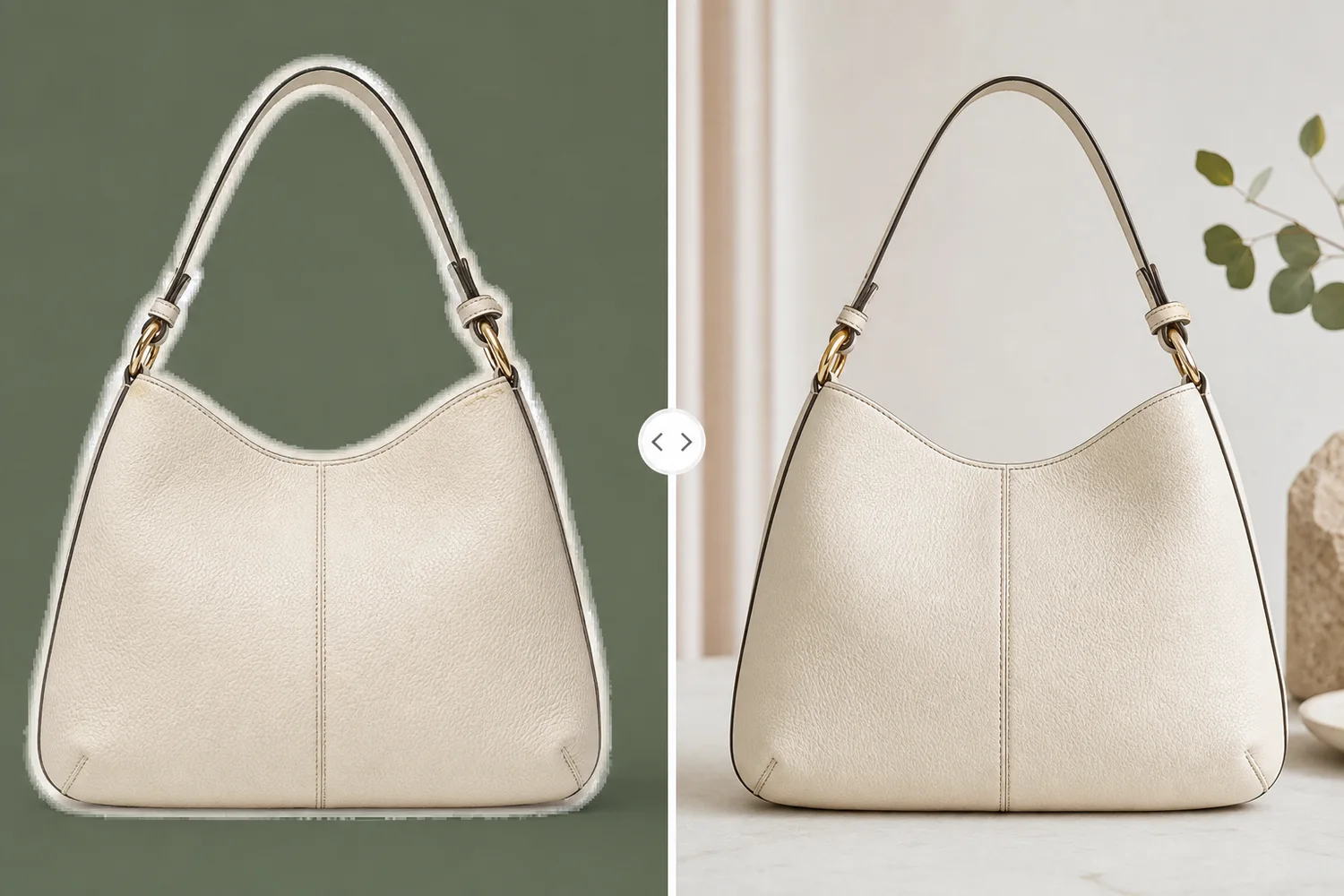
Look at handles, straps, rims, transparent caps, glass edges, fabric texture, shoe soles, and small feet. A transparent PNG product image should not have a gray halo, clipped edge, or leftover background color.
Contact Shadow
A transparent PNG can either keep no shadow or be placed onto a new background with a rebuilt contact shadow. For white-background product image work, the shadow should support the product without making the image look dirty or floating.
Material Truth
Ceramic should still look ceramic. Glass should keep edge highlights. Fabric should keep weave. Leather should keep grain. If background removal damages the material boundary, fix the cutout before using it in a listing or ad.
Label And Logo Area
Background removal should not warp packaging text, front labels, printed marks, or logo placement. If a label is already blurry, fix that separately instead of expecting a transparent cutout to solve it.
Scale Across Layouts
When you reuse a product cutout across Shopify images, [ecommerce product photography](/ecommerce-product-photography) layouts, and ads, keep scale consistent. A product that changes size dramatically from one creative to another can make the store feel inconsistent.
Transparent PNG Versus White Background Image
A transparent PNG product image and a white background product image are not the same final asset.
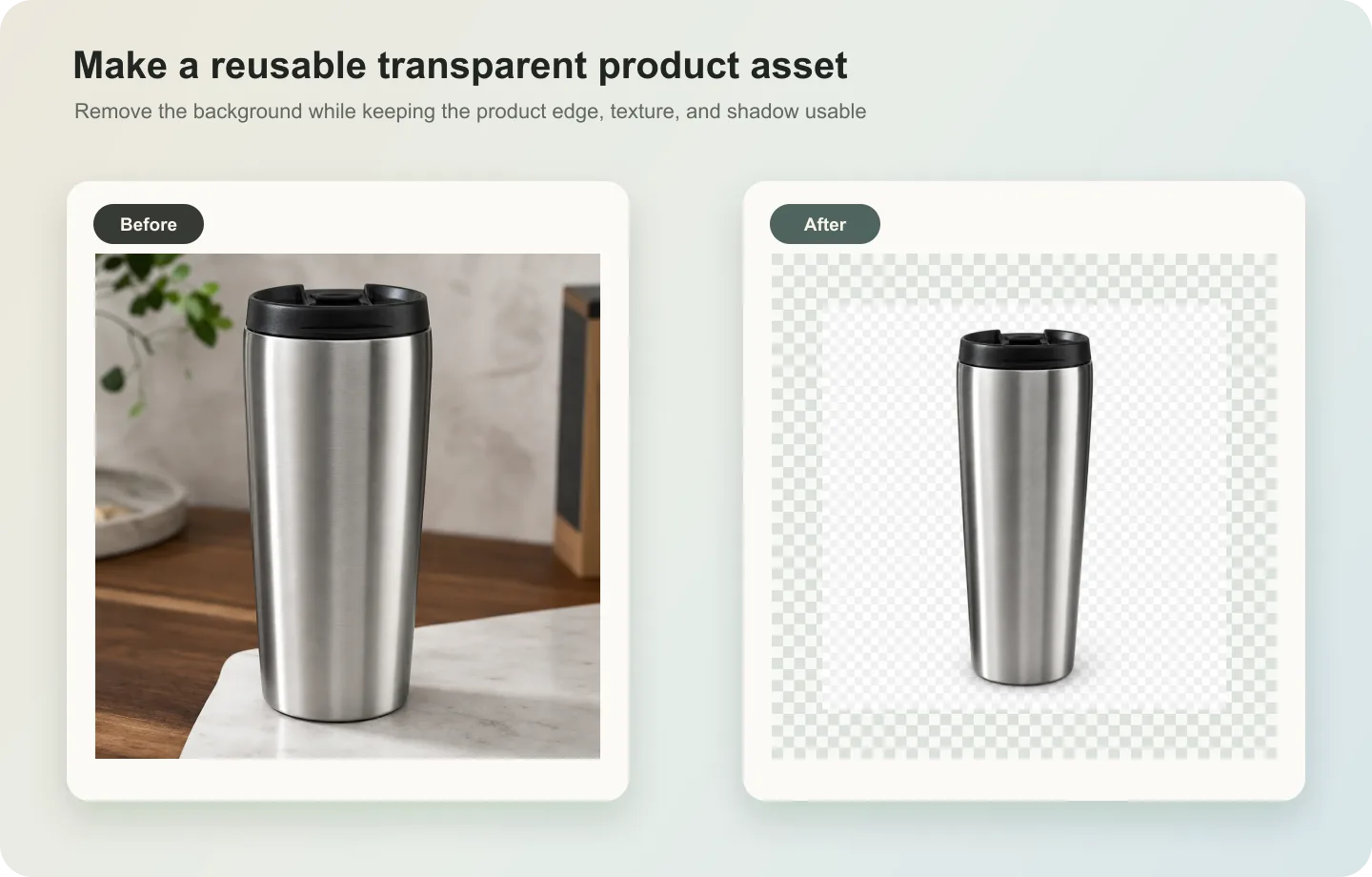
A transparent PNG keeps the background empty. It is best as a reusable layer.
A white background image is a flattened final image. It is best when the channel expects a clean product photo on white.
For example, a seller might use KrafLayer Remove BG once, approve the product cutout, then place that same transparent PNG on a white listing canvas, a Shopify feature block, and an email sale graphic. The cutout is the source asset. The white image is one output from it.
Where This Fits In A Store Workflow
For [Shopify product images](/marketplace-product-images/shopify-product-images), a transparent PNG is useful when the store design needs consistent product placement across collection banners, product cards, bundles, and ads. For marketplace drafts, it helps create a clean white-background version while keeping a reusable product layer for future creative.
The best workflow is:
- approve the original product truth
- create one transparent PNG product image
- inspect the edge at zoom
- make a white-background listing version
- reuse the same cutout for store and ad layouts
- keep the approved cutout as the master asset for that SKU
This keeps the image system cleaner than exporting a separate flattened file for every use case.
FAQ
What is a transparent product image PNG?
A transparent product image PNG is a product cutout with the background removed and the alpha channel preserved. The product can be placed onto white backgrounds, store layouts, landing pages, ads, and campaign graphics without cutting it out again.
When should ecommerce sellers use a product cutout PNG?
Use a product cutout PNG when the same product needs to appear across several layouts. It is useful for listing images, Shopify sections, ad creatives, comparison blocks, bundle graphics, and email campaigns because one approved cutout can be reused.
Can KrafLayer create a transparent PNG product image automatically?
Yes. KrafLayer Remove BG is a one-click AI background remover. Upload the product photo, run the tool, and export a transparent PNG. There is no prompt or manual mask required for the basic background-removal step.
Is a transparent PNG enough for marketplace approval?
No. A transparent PNG is an asset format, not an approval guarantee. You still need to place the product on the correct final background, review the current channel rules, avoid fake claims or platform UI, and check that product details are accurate.
What makes a bad transparent product PNG?
A bad transparent product PNG usually has clipped edges, leftover background halos, damaged material texture, warped labels, missing handles or straps, or a shadow that makes the product float. Review those areas before reusing the file in ecommerce layouts.
Conclusion
A transparent product image PNG gives ecommerce teams one clean product cutout they can reuse across listings, store pages, ads, and campaign layouts. KrafLayer helps sellers create that cutout with a one-click AI background remover, then continue editing or placing the product into white-background and store-ready visuals. The advantage is a cleaner asset workflow: one approved product cutout, accurate product edges, and faster reuse across ecommerce channels.
Keep exploring
Continue the story
More practical guidance on product accuracy, composition, and conversion-ready visuals.
Put it into practice
Take the next step in KrafLayer
Choose a generation or editing workflow that matches what you just learned.